
A CLOSER LOOK / THE APP
Get to know
your app screens.
Four supplied screenshots, with the numbers and navigation explained.
Explore all 16 topics →Find your way around
The bottom navigation shows Home, Buy, UPI, Team and Mine. This guide has supplied images for Home, the UPI and USDT Buy views, and Mine. It does not infer the contents of unseen Team or UPI detail screens.
Home: balance and shortcuts
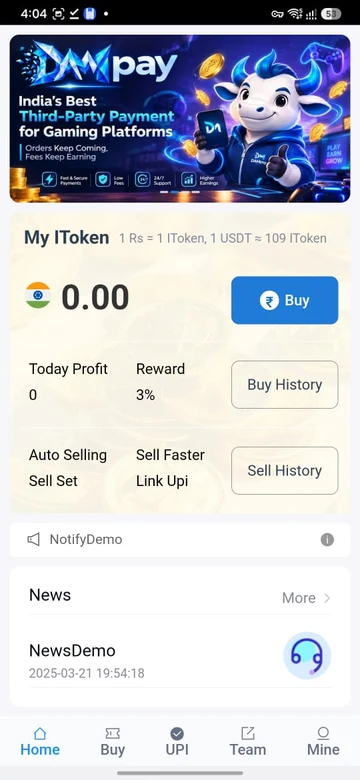
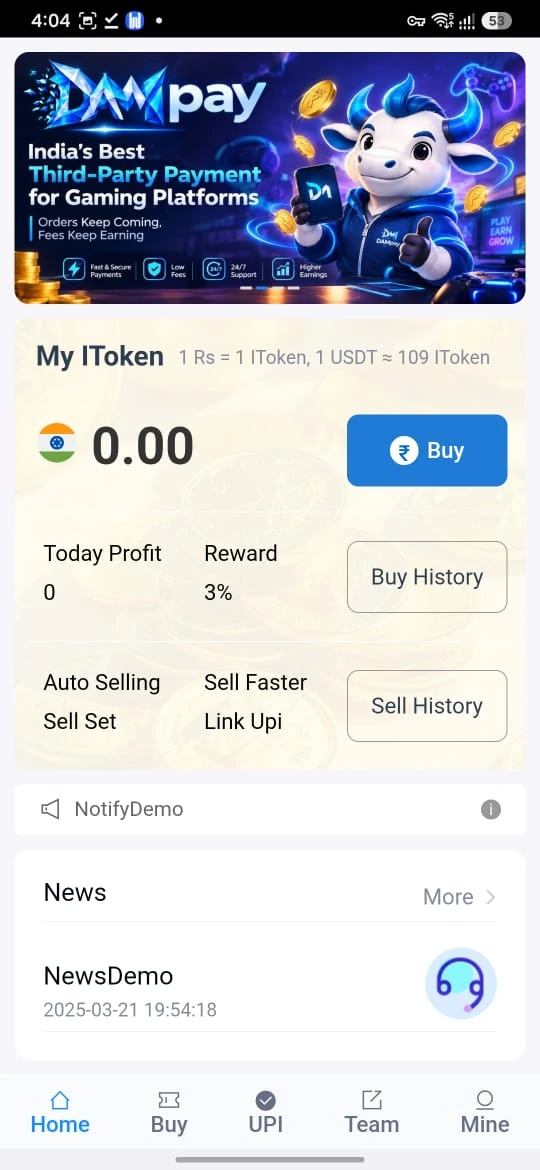
Home labels 1 Rs = 1 IToken and approximately 109 IToken per USDT. The balance and Today Profit shown in the supplied screen are zero. Buy History and Sell History lead to records; the banner is promotional app artwork, not independent evidence of service claims.
UPI Buy: read all three figures
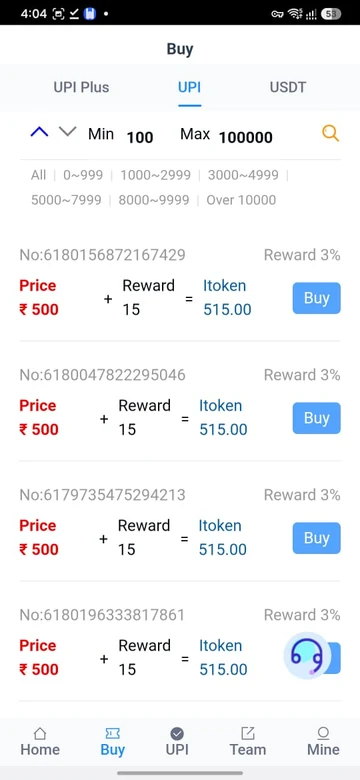
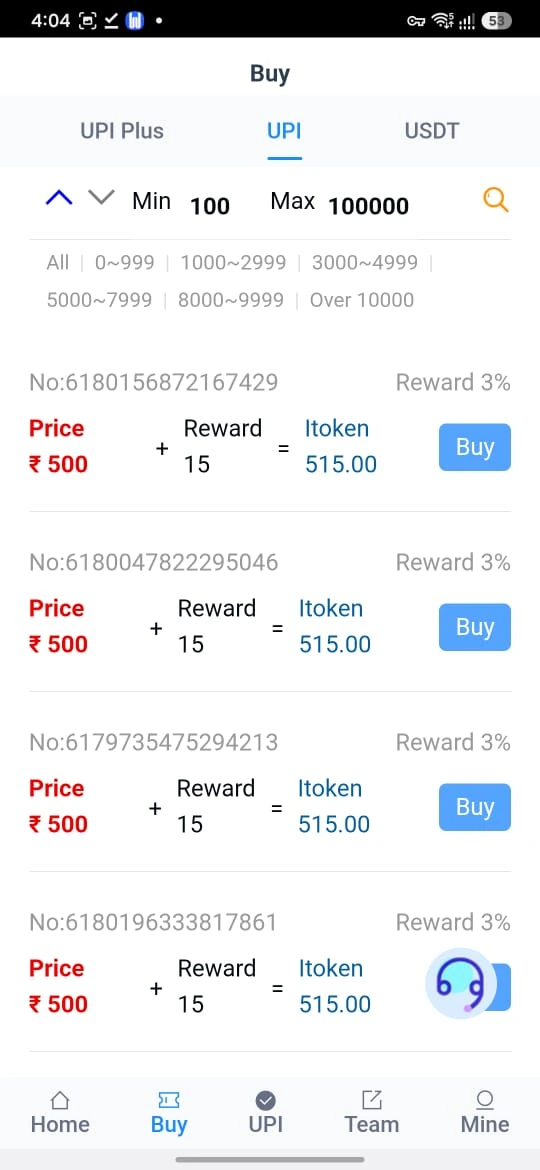
Price ₹500 + Reward 15 = IToken 515.00. The Buy view has UPI Plus, UPI and USDT tabs, with visible Min 100 / Max 100000 filter labels. Check current listing conditions on the platform.
USDT: read the illustrated output
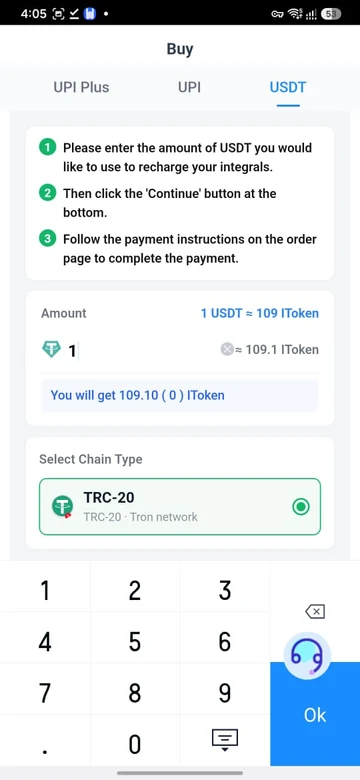
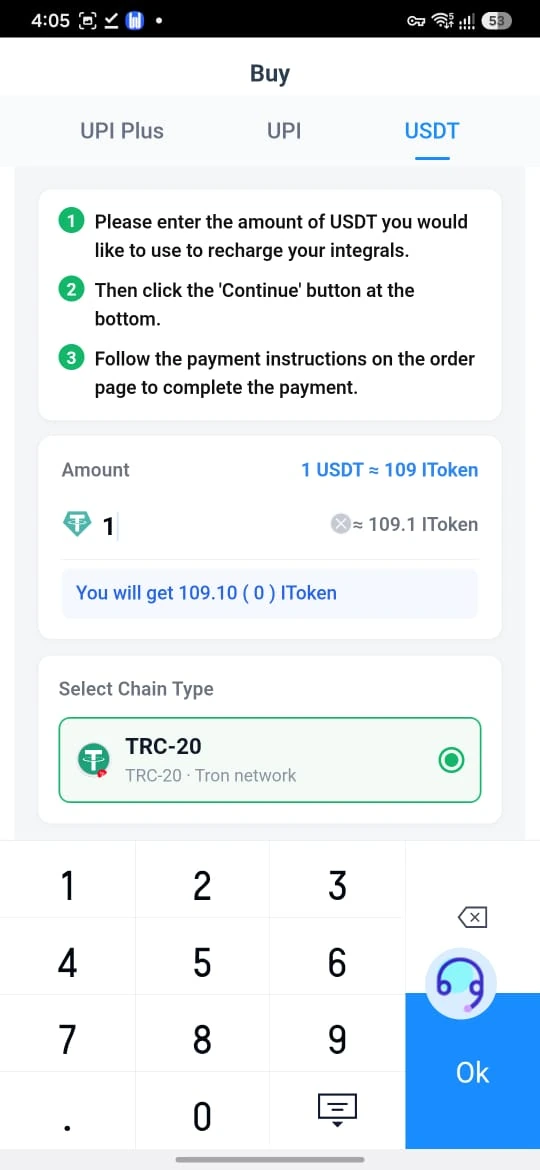
The screen’s instructions describe entering an amount, choosing Continue and following the resulting order instructions. TRC-20 / Tron network is shown. The calculator uses 109.10 as an illustration and does not add the UPI reward.
Mine: history and service
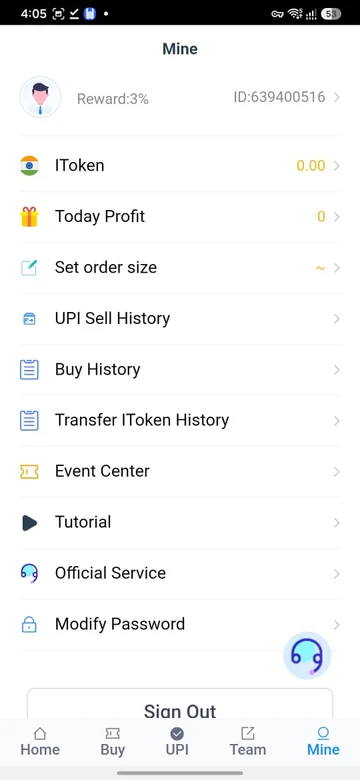
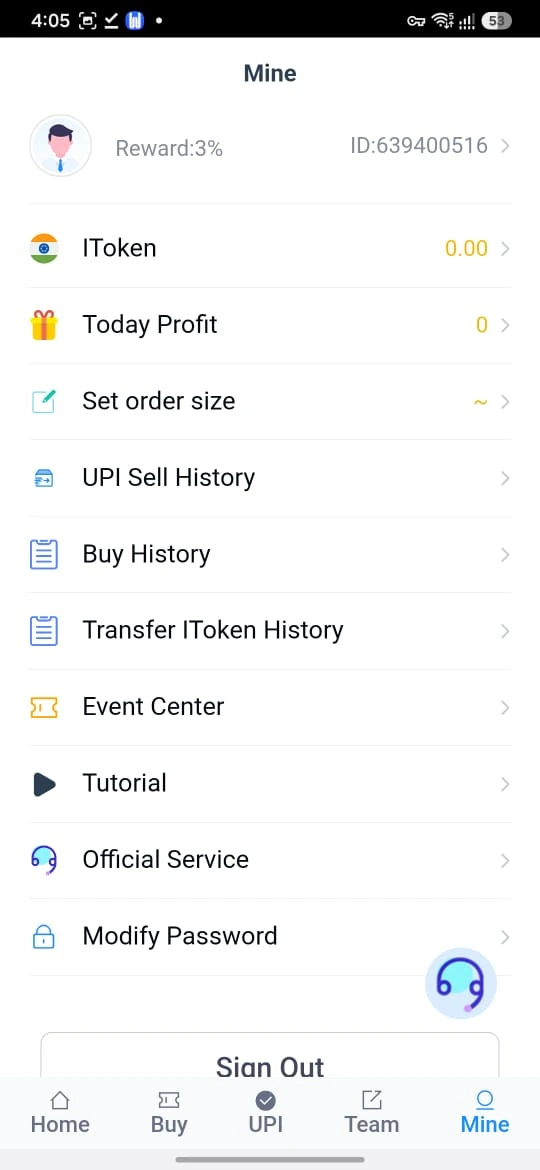
Mine also shows Set order size, Event Center, Tutorial, Official Service, Modify Password and Sign Out. A separate Bank Sell History is not shown in this supplied image.
Registration, login and help
Compare this with the prefilled Invitercode field on the app page.
For account access, use the login guide or password-help explanation. The Android page describes current download information.